
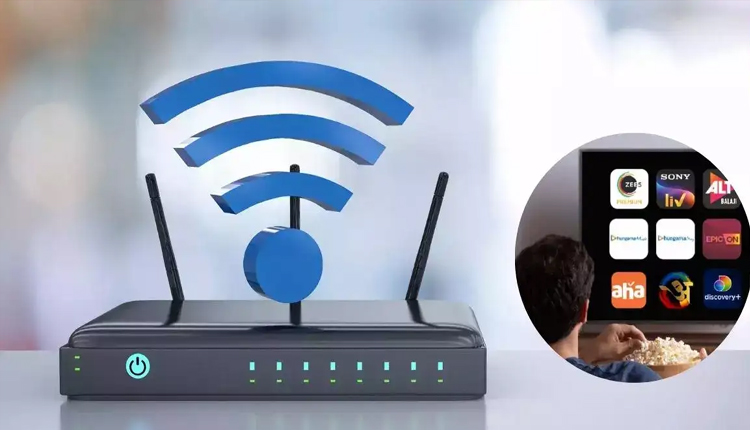
Technical Guide: Why You Should Stop Restarting Your WiFi Router Every Single Day

Wp Channel Join Now

With millions of households in India heavily dependent on stable internet connectivity for remote work, streaming, and online education, small performance glitches can cause widespread frustration. A popular troubleshooting method adopted by countless internet users across the country is the practice of restarting their wireless router every single day. While this routine is widely believed to optimize connection speeds and enhance network performance, technology experts warn that daily manual reboots might actually do more harm than good to modern networking hardware.

A wireless router operates essentially as a compact specialized computer, complete with its own processor, memory, and operating system. Over a period of continuous operation, the device accumulates digital background data, temporary cache logs, and fragments of old connections from multiple smart home devices.

Periodically power cycling the machine is undeniably beneficial because it flushes out this accumulated digital clutter, reallocates internal short term memory, and forces connected devices to renegotiate local internet protocol addresses. This fresh initialization often solves sudden speed drops or unexpected connectivity hitches instantly.

Despite those immediate troubleshooting benefits, executing this manual reset process on a daily schedule is entirely unnecessary and potentially counterproductive. Modern routing hardware is deliberately engineered to remain powered on continuously for weeks or months at a stretch without experiencing significant performance degradation.

Frequently toggling the physical power switch or pulling out the cord imposes unnecessary electrical stress on the internal circuits and power adapters, which can eventually shorten the operational lifespan of the consumer electronic device.

A more significant drawback involves how internet service providers monitor home lines. The automated management systems deployed by local broadband operators are programmed to track line stability. When a home user manually turns off their router every single night or morning, the provider remote system may interpret these frequent sudden disconnections as a sign of a deteriorating or faulty physical line. To stabilize the network, the automated system might systematically lower the profile speed of the broadband package, resulting in slower baseline internet speeds over time.

For users seeking to keep their home network running at peak performance without risking hardware wear or provider throttling, a balanced maintenance approach is highly recommended. Instead of a daily routine, tech professionals suggest restarting the equipment once every week or even once a fortnight.

Many contemporary high end routing units also feature companion smartphone applications that allow users to schedule automatic reboots during deep night hours when no data traffic is active. Ultimately, if a home broadband network requires manual interventions on a daily basis just to provide acceptable data rates, the underlying issue likely points to outdated firmware, bad hardware placement, or a deeper service delivery failure from the internet provider rather than a simple need for a reboot.

Leave A Reply

Your email address will not be published.