

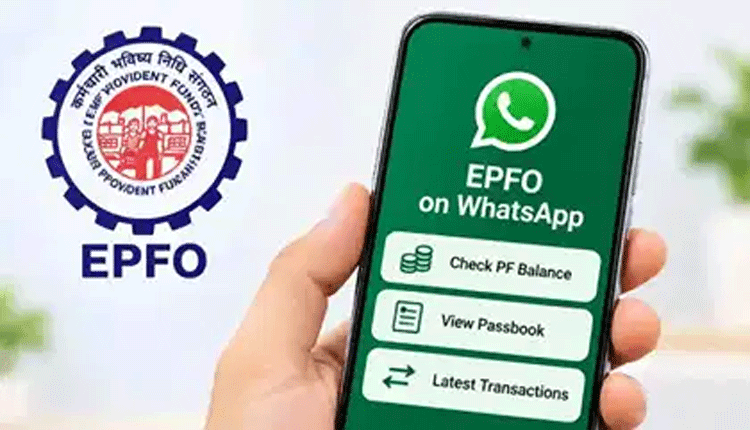
New Delhi: Members of the Employees’ Provident Fund Organisation (EPFO) can now seamlessly check their provident fund balance, view their last five transactions, and access their passbook without the hassle of logging into the official portal or using a separate mobile application. This highly requested convenience is now officially available on WhatsApp.

Introduced by the Union Minister of Labour and Employment, Mansukh Mandaviya, during the 74th Foundation Day celebrations of the EPFO on November 1, 2026, the new WhatsApp chatbot service aims to simplify account access for millions of employees. The service is entirely secure and requires the user’s mobile number to be registered with their Universal Account Number (UAN).
To check the EPF balance and download the passbook, members need to follow a few simple steps. First, save the official EPFO WhatsApp number, +91 87964 41800, to your phone’s contact list. Open WhatsApp, navigate to the newly saved contact, and send a simple “Hi” message. The interactive chatbot will immediately reply with a welcome message and prompt you to select your preferred language.
From the menu options provided, select the option to check your EPF balance or download the passbook. The chatbot will then initiate an OTP (One-Time Password) verification process to authenticate your identity. The OTP will be sent to the mobile number registered with your UAN.
Once the verification is successful, if you have multiple PF accounts linked to a single UAN, the system will ask you to select the specific Member ID. After making the selection, the chatbot will display your current PF balance. You can also choose the option to download the full passbook or view the last five transactions, allowing you to easily track the contributions made by both you and your employer.
While the system is designed for ease of use, authorities urge members to remain vigilant. The EPFO strongly advises against sharing sensitive information such as UAN passwords, bank account details, or ATM PINs on the messaging platform. The OTP should only be entered during the official automated verification process. If members face temporary technical glitches on WhatsApp, they can continue using the EPFO portal or the UMANG app as reliable alternatives.